
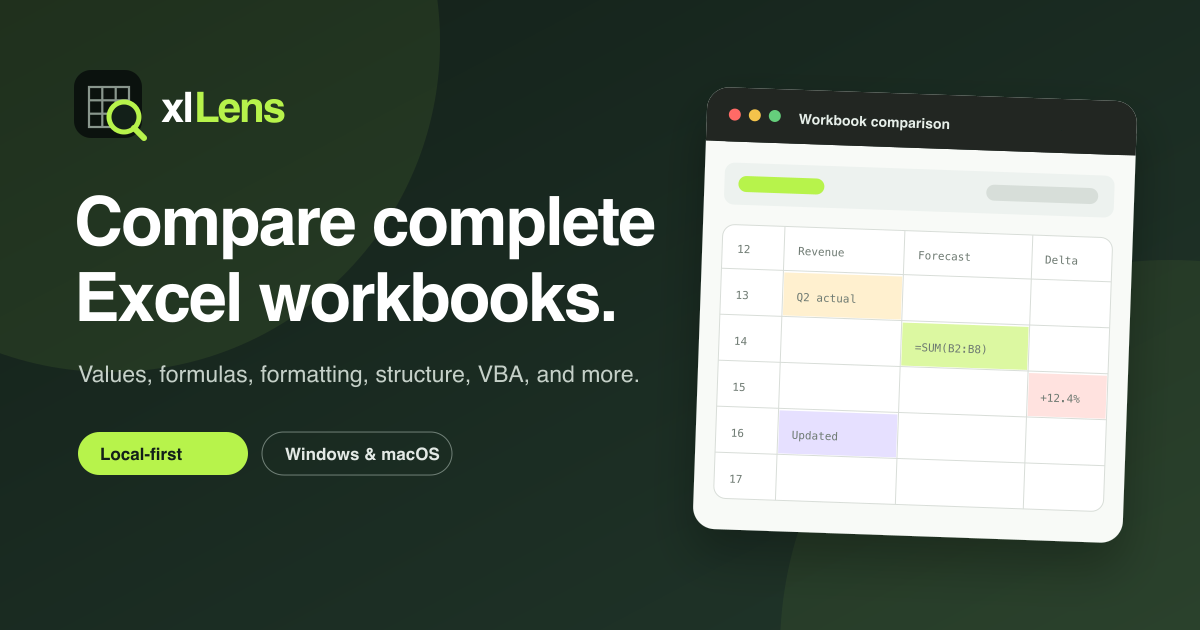
Excel files used for budgets, month-end reporting, pricing, and operational data often pass through many hands. Comparing them cell by cell may reveal visible value changes, but it can miss formula edits, hidden structural changes, formatting, protection settings, defined names, and external connections.
xlLens is a Windows and macOS desktop application for comparing complete Excel workbooks and CSV datasets. Processing stays on the user's computer, so business files do not need to be uploaded to a third-party server.
Equal values do not always mean equal workbooks
Two cells can both display 100 while one contains a constant and the other contains =SUM(B2:B5). They look identical today but may produce different results after the next data update.
Basic mode finds direct workbook differences, including values and formulas. Smart mode maps rows and columns that were inserted or moved, helping distinguish repositioning from a real content change. Table mode matches records by user-selected key columns, which is useful for comparing exports by order ID, customer ID, or another stable identifier.
Audit the whole workbook
A reliable spreadsheet review can include:
- Cell values, formulas, and stored calculated results
- Fonts, fills, borders, and number formats
- Added, removed, or renamed sheets and row or column structure
- Defined names, comments, notes, and protection settings
- VBA projects and external connection information
xlLens classifies these changes into filterable results and can export a report for review, approval, or audit records.
Designed for large worksheets
Worksheets with hundreds of thousands of rows can overwhelm browser tools and simple add-ins. xlLens runs comparison work in a separate Rust engine and uses streaming readers for XLSX and CSV input, keeping the interface responsive while controlling memory use.
When is workbook comparison useful?
- Reviewing formula changes in financial models
- Checking price lists and master data before delivery
- Matching two ERP exports by a key column
- Auditing changes in macro-enabled workbooks
- Resolving differences among original, edited, and current files
Comparing Excel files is not only about finding cells with different colors. It is about explaining which changes can affect calculations and business decisions.
Visit the xlLens English website to explore the comparison modes and download xlLens for Windows or macOS.